
Journal Export Planning for Revenue Share, Royalties, and Partner Payouts
Plan a reviewed accounting handoff for revenue share, royalties, and partner payouts, with journal-basis choices, account mapping, and vendor-specific import checks.
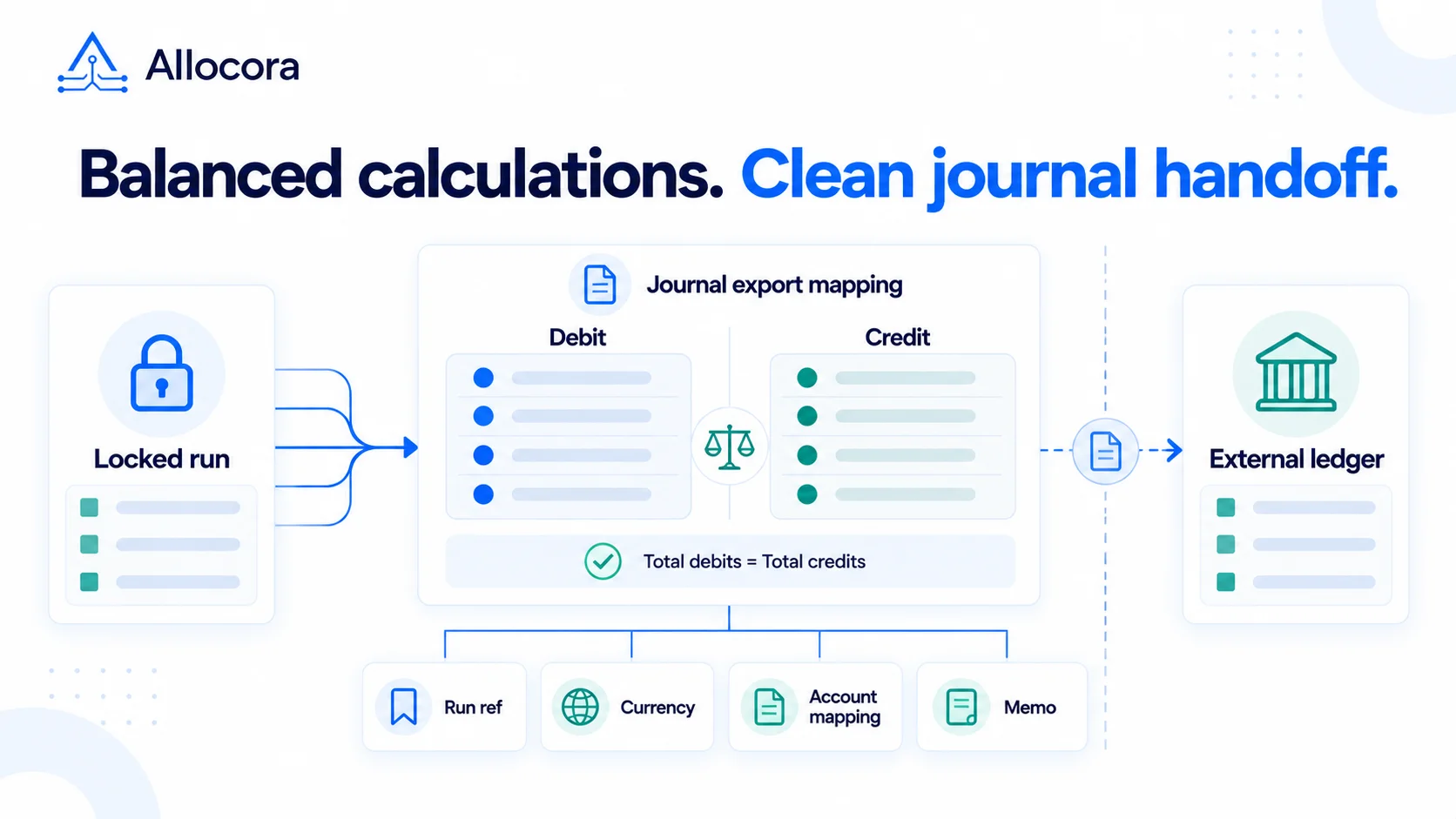
Payout calculations eventually need to reach accounting. A partner statement explains the payee view. A payment file supports disbursement preparation. A journal export gives finance calculation evidence to map into the general ledger.
For revenue share, royalties, affiliate commissions, and marketplace seller payouts, the journal handoff should retain a reference to the same reviewed calculation run as statements and payment files.
Quick answer
Plan a journal export around the accounting basis, approved account mapping, balanced debit and credit rows, currency, and traceability to the locked calculation evidence. An Allocora destination preset is not a vendor-importable template: finance must adapt the file to the target system's current requirements before posting.
This guide covers that planning and review process. It does not provide upload-ready QuickBooks, Xero, or NetSuite templates or determine your accounting treatment.
What the journal export should prove
A useful journal handoff answers four questions:
- Which calculation run and snapshot support the entry?
- Which accounts are debited and credited, and who approved the mapping?
- Does the export balance in the intended currency?
- Can finance trace the amounts back to the reviewed calculation evidence?
Resolve missing references or unexplained differences before posting.
Journal CSV fields to check
For an Allocora Journal CSV handoff, use the following field checklist when reviewing the preview and generated file. Confirm the actual headers and selected mode before building a downstream mapping; this is not a QuickBooks, Xero, or NetSuite import schema.
| Purpose | Journal CSV fields to check |
|---|---|
| Calculation evidence | Run ID, Snapshot Hash |
| Source period | Period Start, Period End, Period |
| Currency | Currency |
| Payee identity | Payee ID, Payee External ID, Payee Name |
| Posting line | Entry Type, Account, Amount, Memo |
| Mapping context | Class, Department, Dimension |
| Additional payable-ready context | Journal Mode, Line Component |
Treat Entry Type, Account, and Amount as line-level mapping inputs, not separate debit-account and credit-account columns on one row. Choose the journal date under your accounting policy; the calculation period is not automatically the posting date. If the output differs from the expected format, resolve that difference before import.
Example accrual entry
An affiliate commission is not automatically a current-period expense. Under IFRS 15's contract-cost requirements, reproduced by AASB, recoverable incremental costs of obtaining a customer contract are capitalised; an elected practical expedient permits expensing when the otherwise applicable amortisation period is one year or less. The example below assumes expense treatment is appropriate.
The following is a hypothetical USD example, not posting advice or an export template. It assumes finance has concluded that an affiliate commission expense and corresponding liability of USD 18,450.00 should be recognized for the period. The account names are illustrative; do not upload them unchanged.
| Account | Debit (USD) | Credit (USD) | Memo |
|---|---|---|---|
| Affiliate Commission Expense | 18450.00 | Illustrative June commission accrual, run reference RUN-2026-06-AFF | |
| Affiliate Payable | 18450.00 | Illustrative June commission accrual, run reference RUN-2026-06-AFF |
Debits and credits each total USD 18,450.00. A balanced entry is not evidence that the recognition decision or account selection is correct, and it does not prove that payment happened. Payment evidence comes from the payout rail, bank, or accounts-payable workflow.
Accrual versus payment timing
In a hypothetical workflow, a June commission could be approved in July and paid in August. Finance must decide when to recognize the obligation and how subsequent events affect it. The review may call for:
- An accrual entry at the policy-approved recognition date.
- A payment or clearing entry supported by evidence of funds movement.
- A separately reviewed adjustment if a refund changes a prior obligation.
- A review of reserve or threshold releases against the existing liability. If only payment eligibility changes and the obligation is unchanged, do not recognise the same expense and liability again; a reclassification or operational update may be sufficient.
Do not infer a posting date or entry type solely from a calculation run's completion, approval, or payment date.
Account mapping requires a policy decision
Before export, finance must approve recognition timing and account treatment under the organization's accounting policy, contracts, entity structure, tax and currency requirements, and funds flow. For marketplace and revenue-share arrangements, resolve any applicable principal-versus-agent assessment before selecting expense, liability, or clearing accounts. The IFRS Foundation's final principal-versus-agent agenda decision explains why the nature of the promise and control assessment matter under IFRS 15; it is not an account-mapping template.
Record the chosen accounts, the reason for each mapping, the reviewer, and the effective period. Neither a payout-type label nor a software preset can make that accounting judgment.
QuickBooks, Xero, and NetSuite planning
Balanced entries and traceability are shared review objectives. File layouts, API contracts, account restrictions, and tenant configuration still need separate validation:
- QuickBooks Online CSV import: Intuit documents journal number, journal date, account name, description, debits, and credits. Its instructions also describe account-name matching and additional name requirements for certain payable or receivable accounts. Use the target account's sample file and Intuit's journal-import instructions before mapping.
- Xero Manual Journals API: Xero documents a narration plus journal lines containing account codes and signed amounts: a debit is positive and a credit is negative. This is an API contract, not a claim that an Allocora CSV can be uploaded unchanged. Validate permitted accounts, tax handling, and the chosen entry or import route against Xero's Manual Journals documentation.
- NetSuite CSV import: Oracle documents balanced journal lines, header and line data, and transaction identifiers used to group imported rows. OneWorld intercompany journals have separate requirements. Check the applicable importer, identifiers, subsidiaries, and segment mappings against Oracle's journal-entry CSV requirements.
Revalidate the destination tenant's permissions, accepted account identifiers, date format, tax treatment, and required fields before implementation. Retain the transformed file and its mapping alongside the original export.
Balancing and handoff checks
Before upload, verify:
- Total debits equal total credits for the intended journal and currency.
- Amounts reconcile to the selected gross-accrual or payable-ready basis, rather than assuming gross allocation and payment-ready amounts are identical.
- Required accounts and destination-specific fields are present.
- Holds, reserves, thresholds, and other components receive the treatment approved for the chosen journal basis; exclusion from a payment file does not by itself remove an accounting liability.
- Adjustments and any settlement-rounding difference have an explanation.
- Run and snapshot references remain available after transformation into the target format.
- The reviewer has approved both the accounting treatment and the final import file.
Passing these checks does not replace the accounting system's validation or finance approval.
Where Allocora fits
Allocora's published statement and export reference describes gross-accrual and payable-ready journals for eligible locked standalone calculation runs. Eligibility also depends on the run remaining the effective locked and terminal reporting run. A completed, approved, or locked replacement makes its prior run ineligible; a pending, running, or failed descendant does not. Replacement and Adjustment Runs themselves are not eligible for Journal CSV. Use Adjustment Delta exports to review those changes rather than treating a replacement total as a new journal to post in full.
The documented gross-accrual basis uses gross allocation. Payable-ready output separates settled net payable and adjustment components, preserves excluded liability, and may require a separate settlement-rounding line. Review the available mode, accounts, and preview before generating a file. Allocora does not post journal entries into the accounting system or automate later reserve and threshold releases.
Allocora's gross-accrual and payable-ready labels describe journal export bases; they do not determine whether revenue is reported gross as a principal or as an agent's fee or commission.
Generic GL, QuickBooks Online, Xero Manual Journal, and NetSuite presets identify the intended handoff destination. They do not establish native import compatibility. Keep the generated rows, destination mapping, and settlement evidence with the accounting review record.
For payment handoff files, keep journal exports separate from the payout CSV template guide. A journal supports accounting recognition; a payout file supports disbursement preparation. Neither proves that funds moved.
FAQ
Should every payout create a journal export?
Choose the recording workflow under your accounting and close-control policy. A manual journal process still needs approved accounts, a balanced entry, and traceability to the reviewed calculation evidence. Use an export when that is the appropriate handoff for your close process, not because a payee-count threshold has been crossed.
Should payee-level detail go into the general ledger?
Do not assume the journal handoff is already summarized for the GL. Review the payee identifiers and line-level amounts in the output. Aggregate or remap them only when your accounting policy and destination-system design permit it, and retain the detailed source file, Run ID, Snapshot Hash, and transformation mapping so the posted journal can be reconciled back to the calculation evidence.
Related Articles
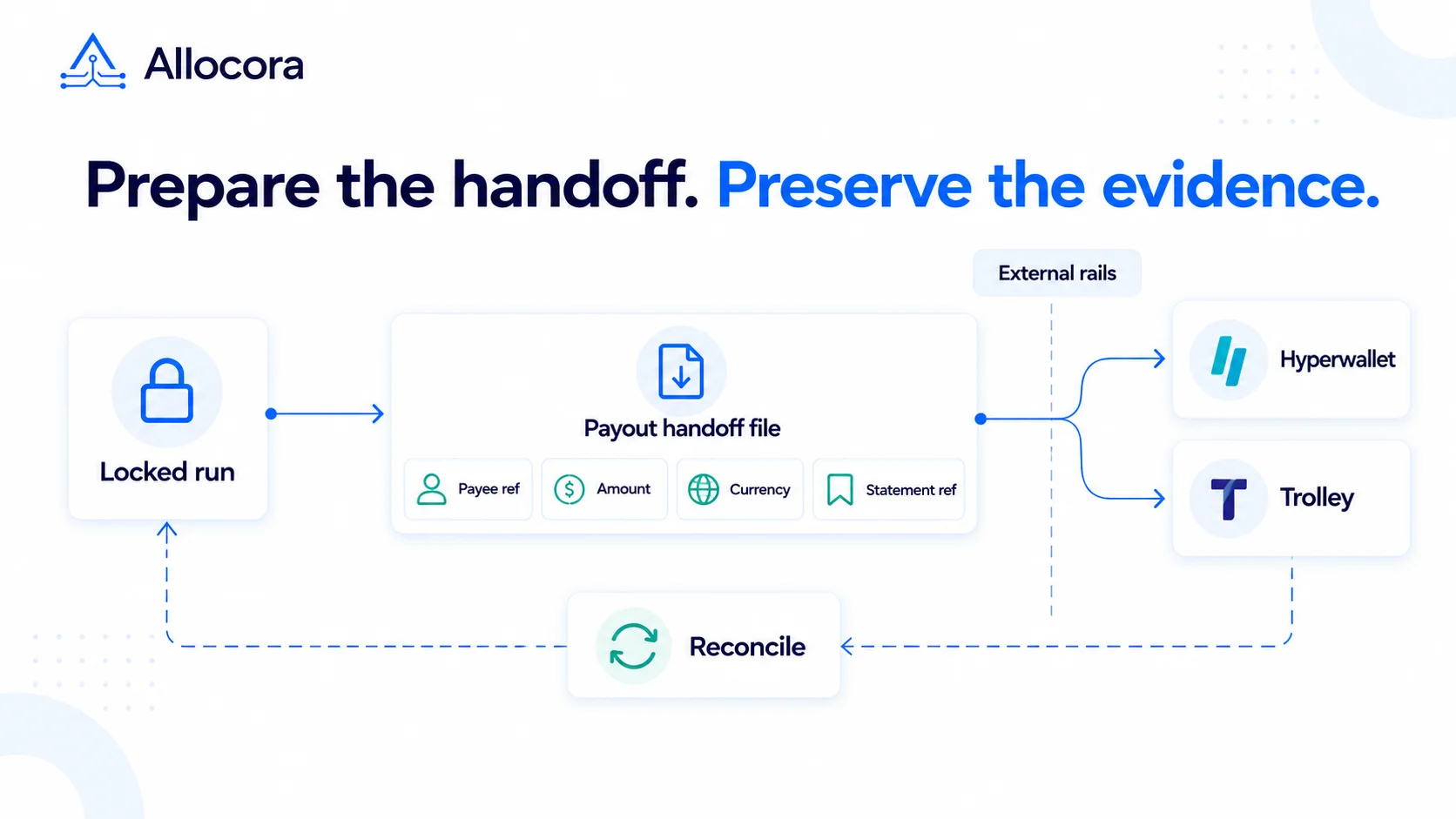 Hyperwallet and Trolley Payout Handoff Planning: Evidence and Fields to Prepare
Plan a Hyperwallet or Trolley payment handoff by separating locked obligations, export mapping, provider checks, and reconciliation evidence. This is not a provider-ready upload template.
Oct 05, 2026 - 5 min read
Hyperwallet and Trolley Payout Handoff Planning: Evidence and Fields to Prepare
Plan a Hyperwallet or Trolley payment handoff by separating locked obligations, export mapping, provider checks, and reconciliation evidence. This is not a provider-ready upload template.
Oct 05, 2026 - 5 min read
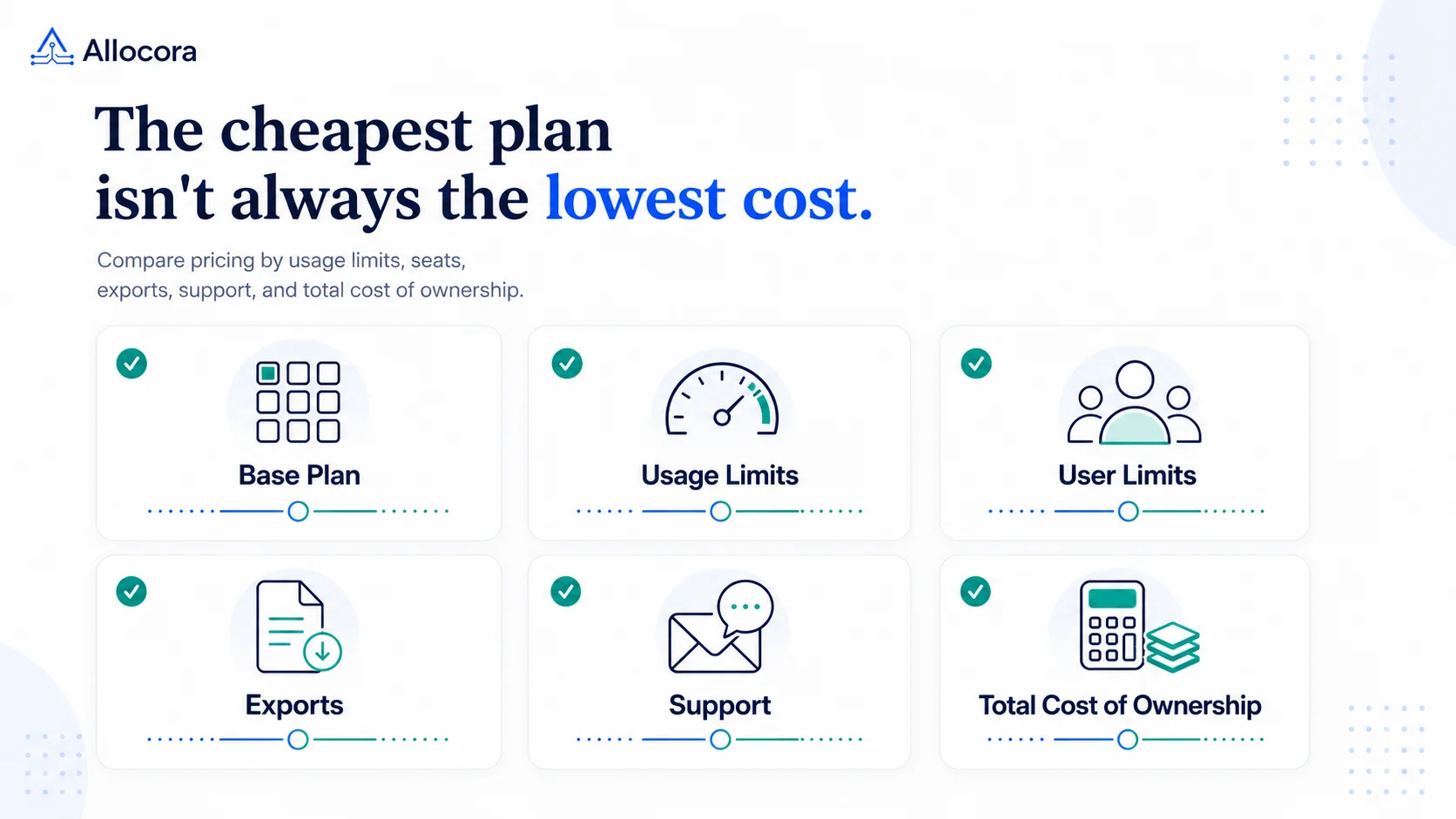 Payout Software Pricing Models: Usage Limits, Fees, and a TCO Checklist
A practical checklist for comparing payout software pricing models, usage limits, add-ons, implementation effort, and total cost before choosing a plan.
Aug 05, 2026 - 9 min read
Payout Software Pricing Models: Usage Limits, Fees, and a TCO Checklist
A practical checklist for comparing payout software pricing models, usage limits, add-ons, implementation effort, and total cost before choosing a plan.
Aug 05, 2026 - 9 min read
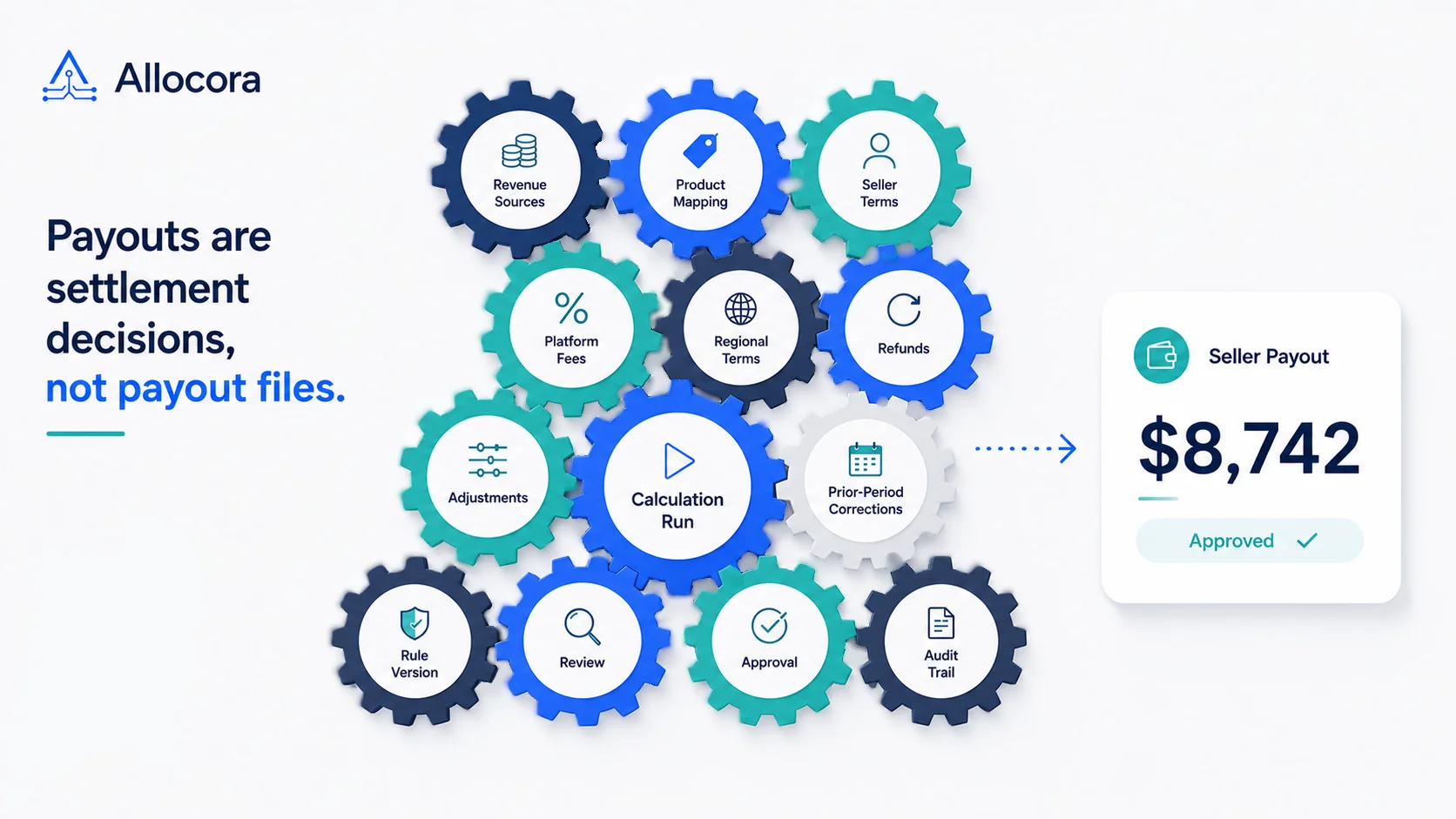 Marketplace Seller Payout Calculations Need More Than a Payout File
A practical article for marketplace operators that need seller payouts to be explainable, repeatable, and ready for finance review.
Jul 07, 2026 - 8 min read
Marketplace Seller Payout Calculations Need More Than a Payout File
A practical article for marketplace operators that need seller payouts to be explainable, repeatable, and ready for finance review.
Jul 07, 2026 - 8 min read