
Payout Audit Checklist: What to Review Before External Payments
A payout audit checklist for reviewing source data, mappings, rules, locked runs, statements, exports, and reconciliation before external payments.
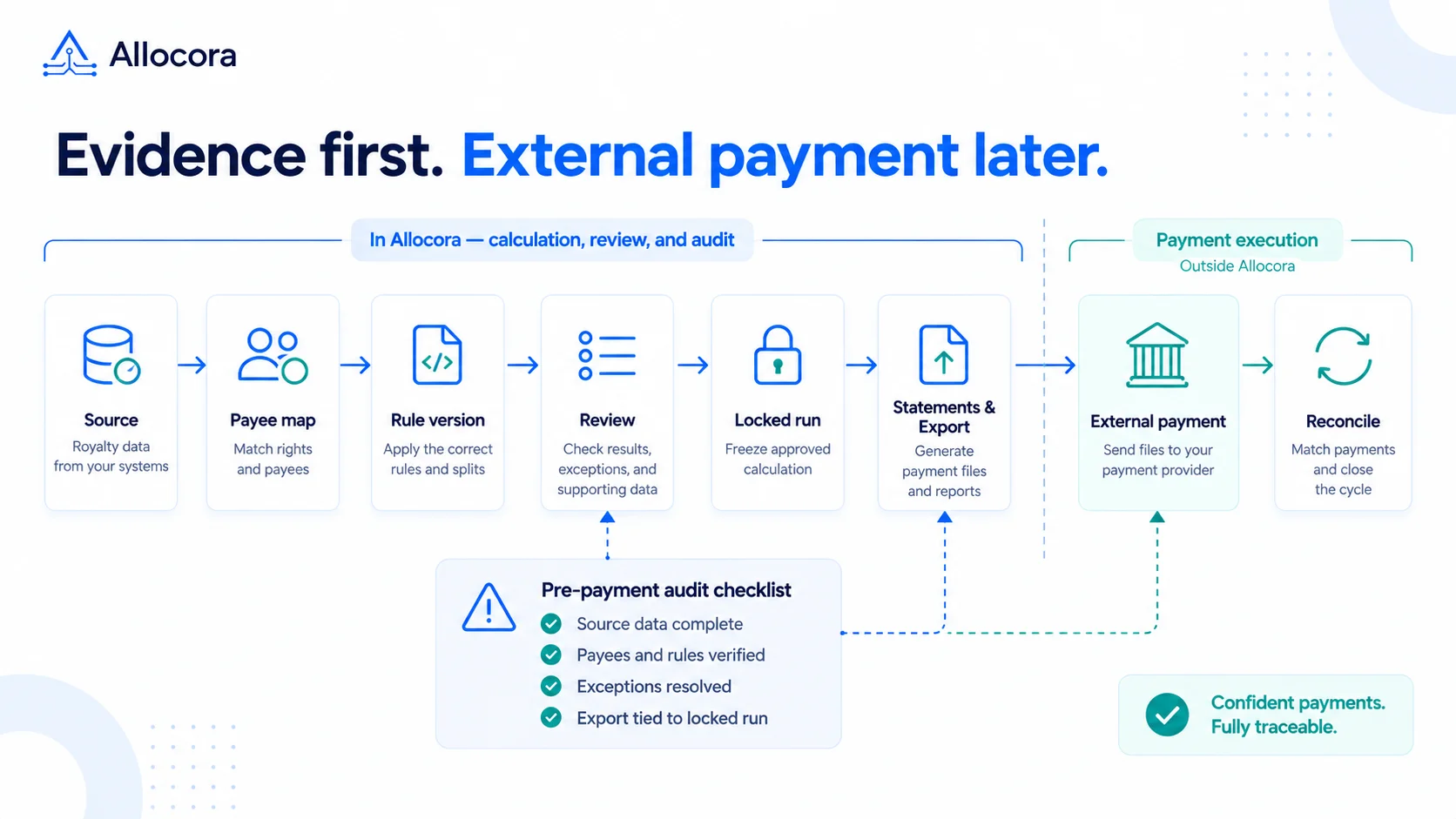
A payout audit checklist gives finance and operations a repeatable way to review obligations before money moves. The point is not to slow down every close. The point is to know which evidence is required before an export leaves the calculation system.
Use this as a final go/no-go checklist for the payment handoff. The audit-ready settlements workflow explains the broader control flow behind these checks.
Quick answer
Before external payments, confirm that the source data is complete, payees and rules are correct, calculation exceptions have been reviewed, and the final statements and payout export tie back to the locked settlement snapshot. Also define how payment confirmations will be reconciled after execution. Do not treat a payment file as approved evidence unless it ties back to the reviewed, locked settlement snapshot and meets the chosen payout provider's requirements.
1. Source data audit
Source data should cover the period and scope being paid. Check:
- Period start and end dates.
- Included source systems.
- Invoice, order, subscription, or transaction IDs.
- Refunds, credits, chargebacks, and adjustments.
- Currency and any tax-related treatment required by the applicable agreement or accounting process.
- Duplicate rows.
- Late-arriving records after the close cutoff.
Resolve material gaps before approving affected obligations. If the close policy intentionally excludes late or out-of-scope records, document the cutoff, reason, owner, and follow-up period. Correct arithmetic does not establish that the source data is complete.
2. Payee mapping audit
Every calculated payout line must resolve to a specific payee. Keep unresolved or ambiguous mappings in exception review, and treat any intentionally configured fallback allocation as a visible review item rather than a silent default.
Review these separately:
- Missing or ambiguous payee identifiers.
- Duplicate payee records and new partner names.
- Missing or ambiguous product, region, or contract mappings.
- Explicit payout holds and their documented reasons.
- Minimum payout thresholds.
- Configured fallback allocations and whether they follow the agreed policy.
A mapping problem, an explicit hold, and a valid fallback allocation are different conditions. Resolve the mapping problem before relying on the result; retain the hold decision separately; and do not treat a permitted fallback as an error simply because it was used.
3. Rule version audit
The internal reviewer should know which rule generated the amount. Retain the following in the workspace or internal evidence package, with the contract reference recorded separately if needed:
| Evidence | Why it matters |
|---|---|
| Rule name | Identifies the internal calculation rule |
| Rule version | Identifies the historical logic used |
| Effective date | Supports the check against the applicable period and terms |
| Priority or specificity | Supports review of conflict resolution |
| Contract reference | Connects the reviewed logic to commercial terms |
For tiered commissions, royalty calculations, and product-specific revenue share, check that the retained version implements the intended terms. Internal rule evidence is not automatically appropriate for a payee-facing statement.
4. Calculation run audit
Review a completed calculation run; an already-approved run can also be reviewed before locking. Lock the run before generating final statements or payment-ready exports. Treat exports from completed or approved runs as review artifacts, not the final payment handoff.
Before export, confirm:
- The run uses the intended period and currency.
- Exceptions were reviewed.
- Manual adjustments have supporting notes.
- Control totals match the reviewed source scope and agreed calculation policy.
- Held, below-threshold, and zero-value lines are excluded from payment-ready files as intended.
- The payment-ready export is bound to the locked run's current settlement snapshot.
When unlocking is allowed, re-review the run and lock it before generating a fresh handoff. Re-running queues a new immutable Calculation Run linked to the original; it does not change the original. Once the rerun completes, it becomes the effective run for reporting. Review and lock it before using a fresh payment handoff; a pending, running, or failed rerun does not displace the previous terminal result. Retain earlier files as historical evidence, not as approval for a changed obligation.
For more on preserving historical calculation evidence, see How Immutable Calculation Runs Create a Payout Audit Trail.
5. Statement audit
Statements let payees review the result and approved supporting detail. Keep internal rule names, versions, priorities, and explanation traces in the workspace or internal evidence package. Review sample statements before sharing them.
Look for:
- Payee name, period, and currency.
- Payee-scoped source amounts where the statement permits that detail.
- A payee-readable breakdown of gross allocation, derived adjustments, holds, and the payment-ready amount.
- A clear distinction between the obligation and any amount excluded from the current payment file.
- Statement reference.
- An asynchronous support path for questions or corrections.
Check that each value belongs to that payee and that product-level detail is not presented as if it were a payee-wide total. The goal is to reduce disputes by making the calculation understandable, not to disclose internal calculation configuration.
6. Export audit
Allocora prepares calculation and settlement handoff files; an external payout provider, bank, or accounts-payable system handles money movement. An export still needs validation against its destination's current requirements.
Check the selected template and final file for:
- Payee reference.
- Amount and currency.
- Memo or statement reference when required by the destination.
- Calculation run reference in the file or its retained handoff evidence.
- Required payout-provider fields and accepted values.
- Exclusion of held, below-threshold, and zero-value lines.
- No unnecessary bank or tax data in the calculation export.
Use Allocora vs payout rails to confirm the calculation-versus-execution boundary, then validate the final columns against the current import template for your chosen payout provider. Do not assume a generic export is directly upload-ready.
“Payment-ready” means the obligation data has passed the internal calculation and settlement controls; the file must still meet the destination provider's current import requirements.
7. Reconciliation audit
Before approving the handoff, name the person responsible for collecting payment confirmations and define the matching references. After payment execution, reconcile those confirmations back to expected obligations.
Retain:
- External payment ID and matching payee reference.
- Provider-reported payment status or failure reason.
- Paid amount and currency.
- Paid date.
- Evidence of failed or returned payments.
- Differences between expected and paid amounts, with an owner and resolution note.
Capture the provider's status or failure reason in the confirmation source. Allocora uses imported amounts and identifiers to derive reconciliation match and variance status against the locked settlement. Provider-reported status or failure text remains supporting or raw-source evidence; it is not the same as Allocora's structured reconciliation status.
An amount match alone is not proof that a provider-reported failure or return was resolved. Keep those cases open in the operating review until the payment evidence supports closure.
For the broader evidence package around source files, rules, statements, and retention, see the Royalty Audit Checklist: 10 Steps to Prepare Statements, Evidence, and Payout Records.
Red flags
Pause the affected handoff if:
- A required source-system export is missing without an approved scope or cutoff explanation.
- Fallback allocations conflict with documented policy or cannot be explained.
- A reviewer cannot explain a manual adjustment.
- A payout file has blank or ambiguous payee references.
- Statement and export totals cannot be reconciled after documented holds, thresholds, and rounding.
- An unresolved issue from the prior run creates a risk of duplicate payment or an incorrect amount in this handoff.
Related Articles
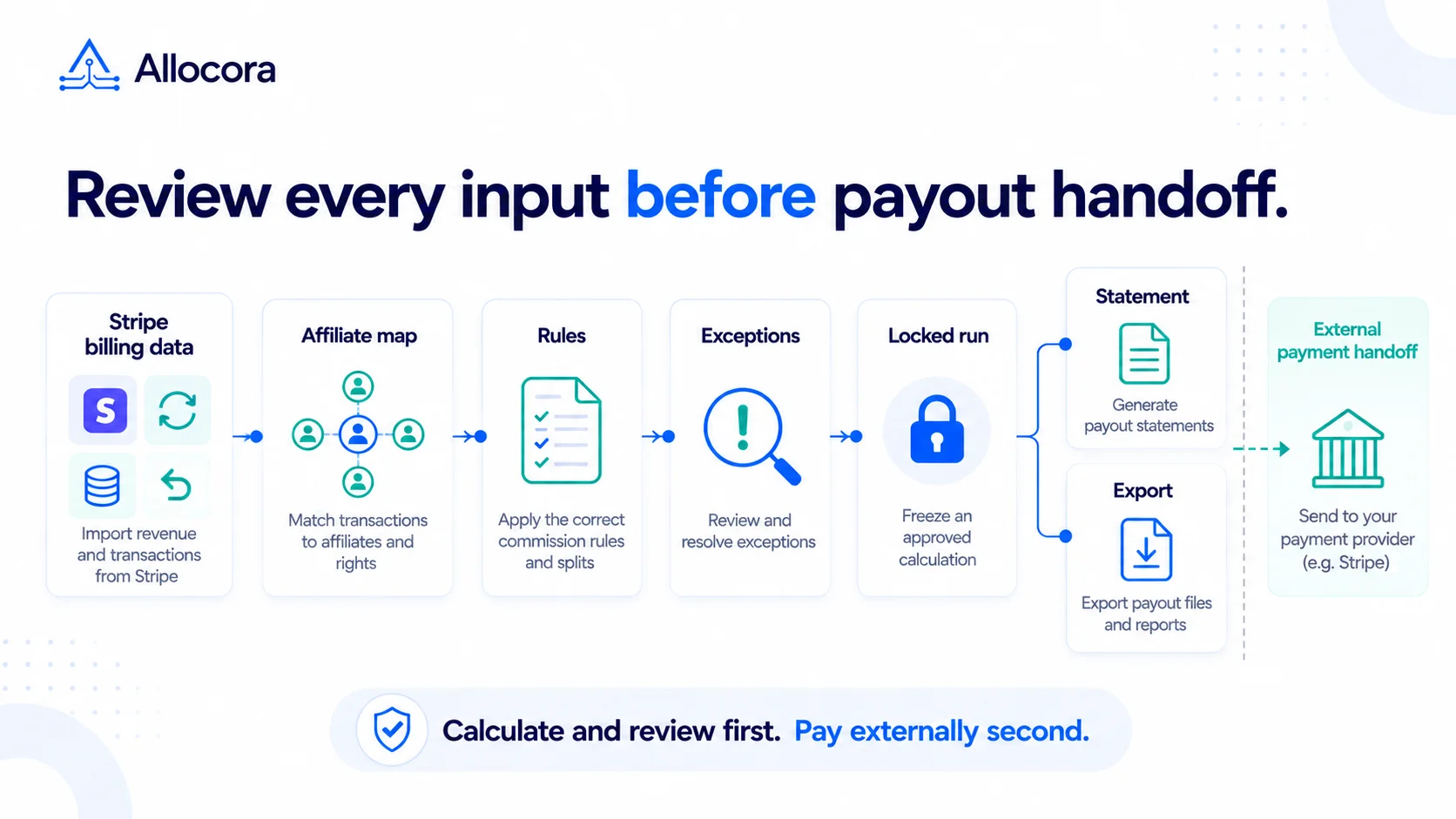 Stripe Revenue-to-Affiliate Payout Close Checklist
Review Stripe revenue for affiliate commission close: choose the ingestion path and date policy, verify mappings and corrections, lock the calculation, and prepare the external payment handoff.
Sep 24, 2026 - 6 min read
Stripe Revenue-to-Affiliate Payout Close Checklist
Review Stripe revenue for affiliate commission close: choose the ingestion path and date policy, verify mappings and corrections, lock the calculation, and prepare the external payment handoff.
Sep 24, 2026 - 6 min read
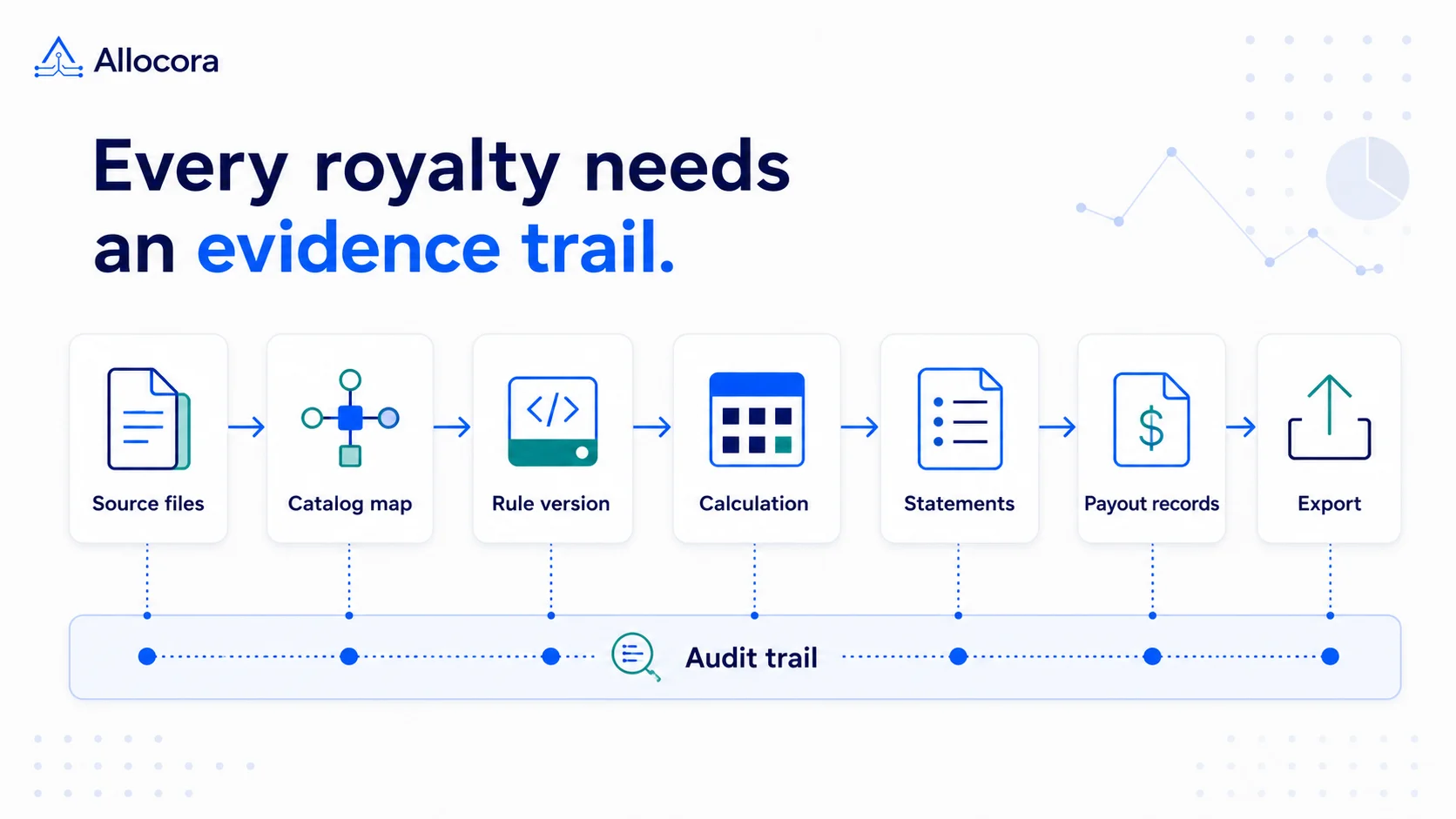 Royalty Audit Checklist: 10 Steps to Prepare Statements, Evidence, and Payout Records
A step-by-step royalty audit checklist for preparing source revenue, contract rules, statements, payout exports, and reconciliation evidence.
Aug 25, 2026 - 8 min read
Royalty Audit Checklist: 10 Steps to Prepare Statements, Evidence, and Payout Records
A step-by-step royalty audit checklist for preparing source revenue, contract rules, statements, payout exports, and reconciliation evidence.
Aug 25, 2026 - 8 min read
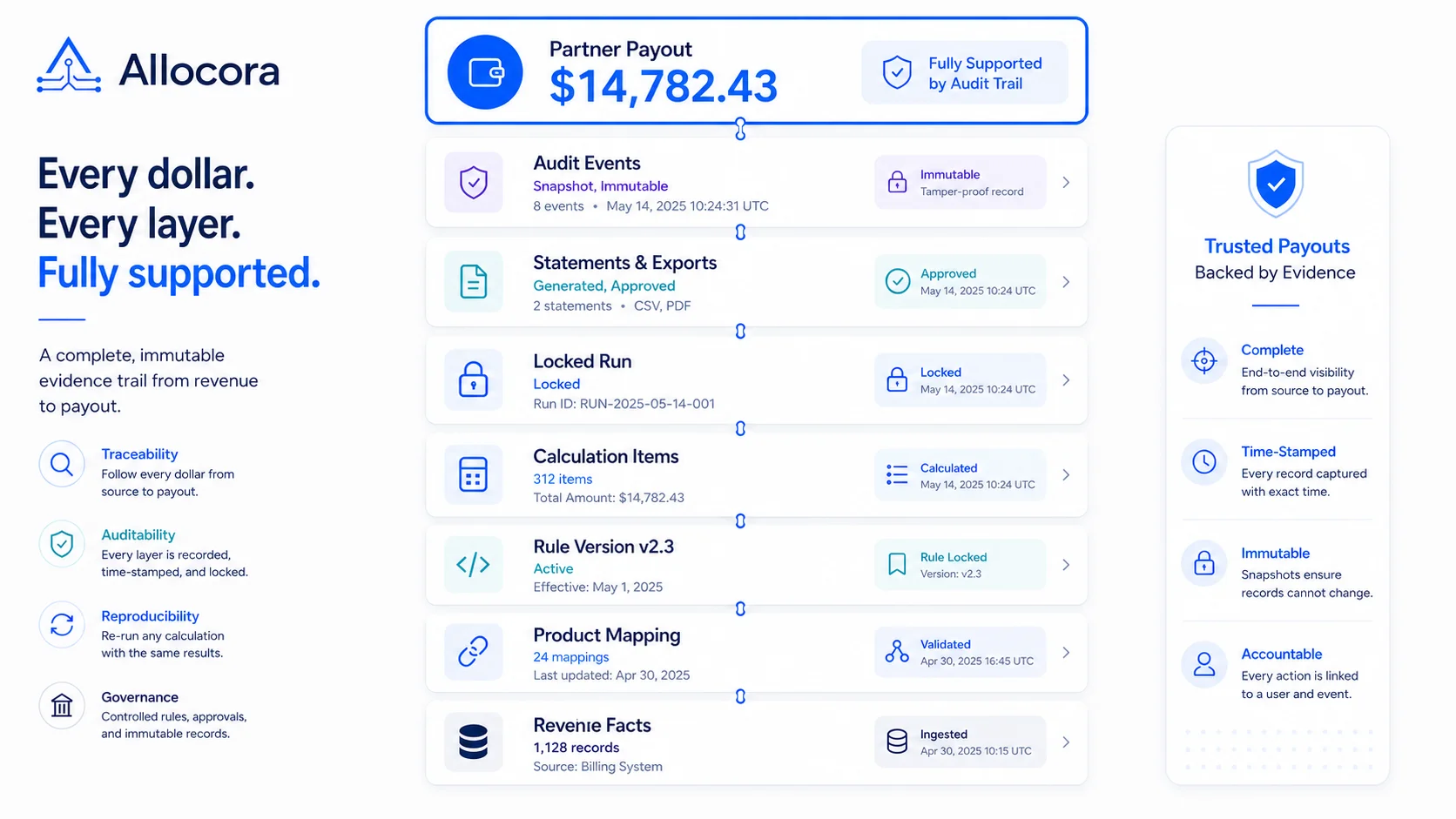 How Immutable Calculation Runs Create a Payout Audit Trail
A product-led guide to building payout evidence with immutable calculation runs instead of spreadsheet screenshots.
Jun 30, 2026 - 9 min read
How Immutable Calculation Runs Create a Payout Audit Trail
A product-led guide to building payout evidence with immutable calculation runs instead of spreadsheet screenshots.
Jun 30, 2026 - 9 min read