
Monthly Affiliate Payout Spreadsheet: Required Fields, Controls, and Review Flow
Structure a monthly affiliate payout spreadsheet with source fields, refund adjustments, review controls, export checks, and a clear path to governed payout runs.
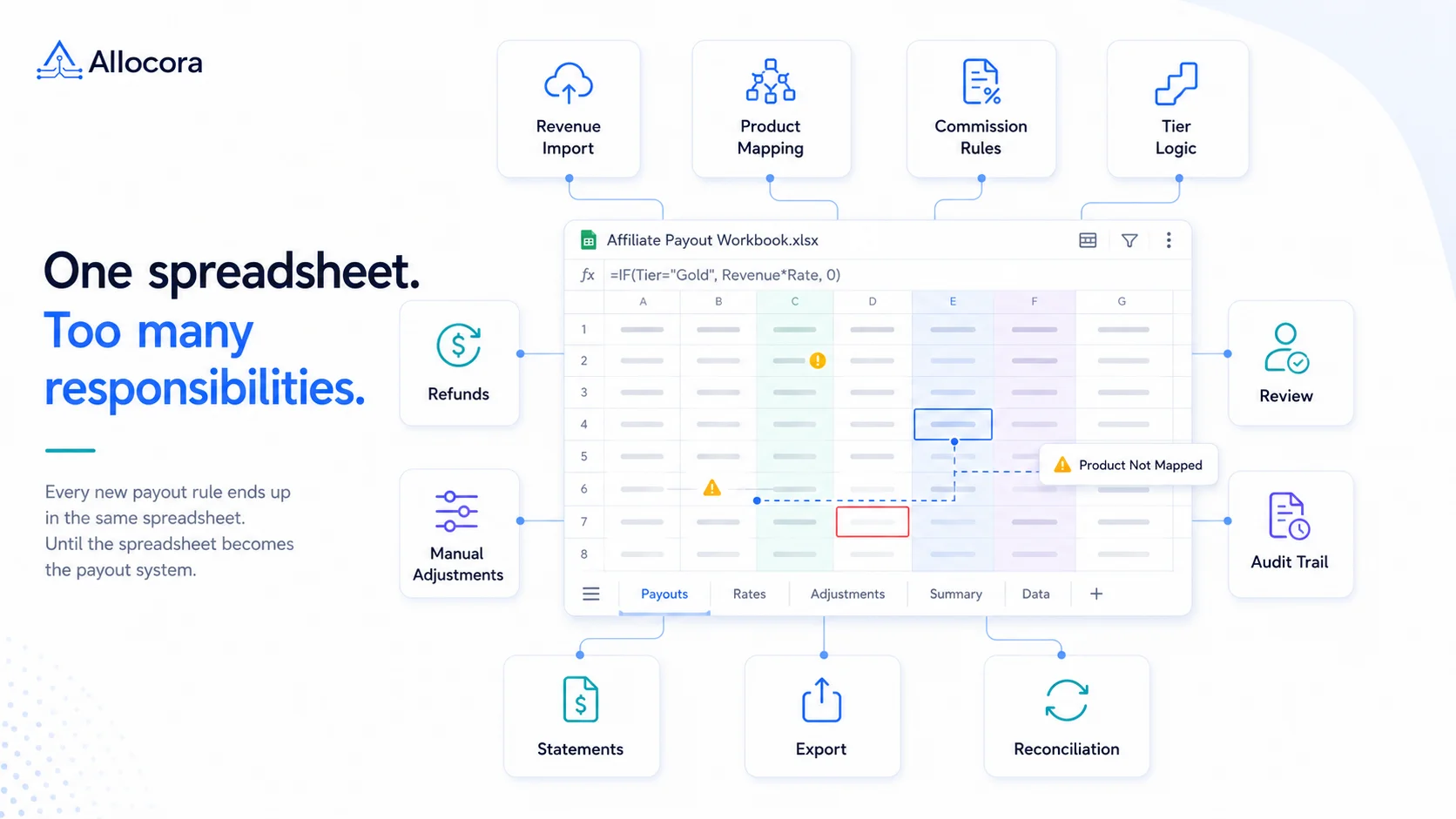
A monthly affiliate payout spreadsheet is often the first payout system a SaaS company uses. It is fast to start, easy to share, and flexible enough for the first few partners. It also becomes risky when refunds, recurring commissions, tiered rates, and approval evidence matter.
A spreadsheet can work well for an early affiliate program, but it needs clear structure and review controls. The Allocora vs spreadsheets comparison explains when that structure is no longer enough.
Quick answer
A useful affiliate payout spreadsheet should include period fields, affiliate identifiers, source transaction IDs, subscription IDs, product fields, gross commission, refund and clawback adjustments, net payable, review status, and payout export status. It should separate source data from payout decisions.
Required columns
| Column group | Example columns | Purpose |
|---|---|---|
| Period | period_start, period_end, payout_batch_id | Prevents cross-period mixing |
| Affiliate | affiliate_id, affiliate_name, affiliate_email | Identifies the payee |
| Source | invoice_id, subscription_id, customer_id | Makes the row traceable |
| Product | product_id, plan, currency | Supports product-specific rules |
| Calculation | eligible_revenue, commission_rate, gross_commission | Shows the formula inputs |
| Adjustments | refund_amount, clawback_amount, hold_amount, manual_adjustment | Explains changes |
| Review | review_status, reviewer, review_note | Creates close evidence |
| Export | net_payable, payout_reference, export_status | Supports payment handoff |
These are suggested workbook fields for operating and reviewing a payout process. They are not a drop-in import schema for Allocora or every external payout system.
The spreadsheet should let a reviewer understand why a partner is being paid without asking the person who built the workbook.
Sample row
| period_end | affiliate_id | subscription_id | eligible_revenue | commission_rate | gross_commission | refund_amount | clawback_amount | hold_amount | manual_adjustment | net_payable | review_status |
|---|---|---|---|---|---|---|---|---|---|---|---|
| 2026-06-30 | AFF-104 | sub_9821 | 1200.00 | 20% | 240.00 | 20.00 | 10.00 | 15.00 | 5.00 | 200.00 | approved |
The row contains enough information to explain the final payout without relying on a separate payment file.
Separate source rows from calculation rows
Do not paste source data and manually edited payout totals into the same uncontrolled area. Keep these layers separate:
- Source export from Stripe, billing, or referral tools. If you use Stripe subscriptions, see the Stripe affiliate commission automation workflow.
- Mapping columns for affiliate, product, plan, and currency.
- Calculation columns for rate, refund, adjustment, and net payable.
- Review columns for status, reviewer, and notes.
- Export columns for the external payout system.
This structure makes errors easier to isolate. If a total is wrong, you can see whether the problem came from source data, mapping, rule logic, or manual review.
Add separate workflow statuses
A spreadsheet can look final while still containing unresolved rows. Avoid using one status column for every stage of the process.
Suggested workbook fields include:
validation_status: valid, missing affiliate, missing product mapping, needs refund decision.review_status: ready for review, held, approved, rejected.export_status: not exported, exported.reconciliation_status: pending, reconciled, exception.
These are suggested spreadsheet labels, not a list of Allocora system statuses. Separate statuses become useful as soon as calculation, review, payment, and reconciliation are handled by different people.
Net payable formula
A practical monthly formula is:
net_payable = gross_commission - refund_amount - clawback_amount - hold_amount + manual_adjustment
Use the same monetary unit for every term.
Here, refund_amount is the commission reversed because a source transaction was refunded, not the customer's full refund value.
hold_amount represents commission temporarily withheld and expected to be released or reconciled later. It is different from manual_adjustment, which should only be used for documented corrections and should never be used as a substitute for a hold.
If no hold policy exists, leave hold_amount at zero.
Manual adjustments should always have a documented reason. Common reasons include a prior-period correction, refund reversal, partner credit, or a correction to an earlier calculation.
To test different commission scenarios, use the commission calculator.
Spreadsheet controls before export
Before creating a payment file, check:
- No blank affiliate IDs.
- No unknown product IDs.
- Commission rates match the current agreement.
- Refund rows reference the original transaction.
- Net payable is not negative unless the policy allows carry-forward balances.
- Held rows are excluded from payment export.
- Totals reconcile to source revenue and approved payout totals.
When the close requires stronger review evidence, the audit-ready settlements workflow shows what needs to exist beyond the spreadsheet.
When the spreadsheet is no longer enough
Move beyond a spreadsheet when:
- Partner-specific rules such as tiered affiliate commissions require copied, nested, or manually overridden formulas.
- Multiple people edit the workbook during close.
- Refunds or corrections change previously approved periods. This is where immutable calculation runs become important.
- Review decisions are stored in comments, email, or Slack.
- Partner statements are assembled separately from the calculation.
- Payment exports require repeated manual cleanup.
- The team cannot reproduce a prior payout from the saved workbook alone.
Allocora lets teams use file-based imports and exports while moving rule logic, locked calculation runs, statements, and reconciliation evidence into a controlled workflow. Allocora prepares payment-ready data and evidence; it does not move money. Transfers are completed through an external payout system.
Implementation path
- Create a workbook using the column structure above.
- Fill one clean payout period.
- Identify recurring fields and workflow statuses.
- Document which fields, formulas, and review decisions repeat every period.
- When those rules become difficult to control in the workbook, map the supported source data into Allocora.
- Run and review the calculation.
- Lock the approved run and export payment-ready data.
- Reconcile confirmation data after payment.
Teams that reach this stage often replace spreadsheets with governed calculation runs while keeping the same import and export files.
Related Articles
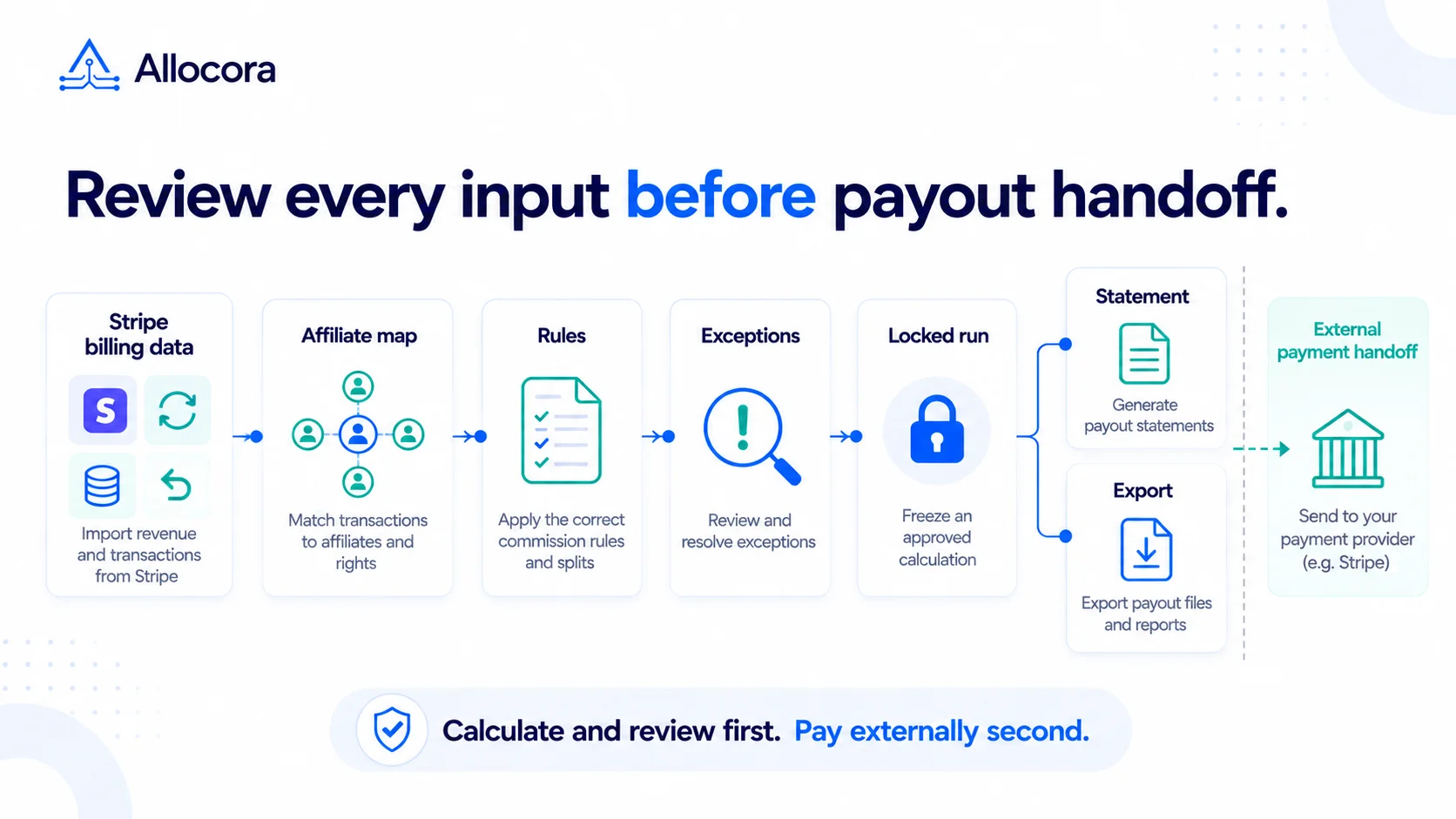 Stripe Revenue-to-Affiliate Payout Close Checklist
Review Stripe revenue for affiliate commission close: choose the ingestion path and date policy, verify mappings and corrections, lock the calculation, and prepare the external payment handoff.
Sep 24, 2026 - 6 min read
Stripe Revenue-to-Affiliate Payout Close Checklist
Review Stripe revenue for affiliate commission close: choose the ingestion path and date policy, verify mappings and corrections, lock the calculation, and prepare the external payment handoff.
Sep 24, 2026 - 6 min read
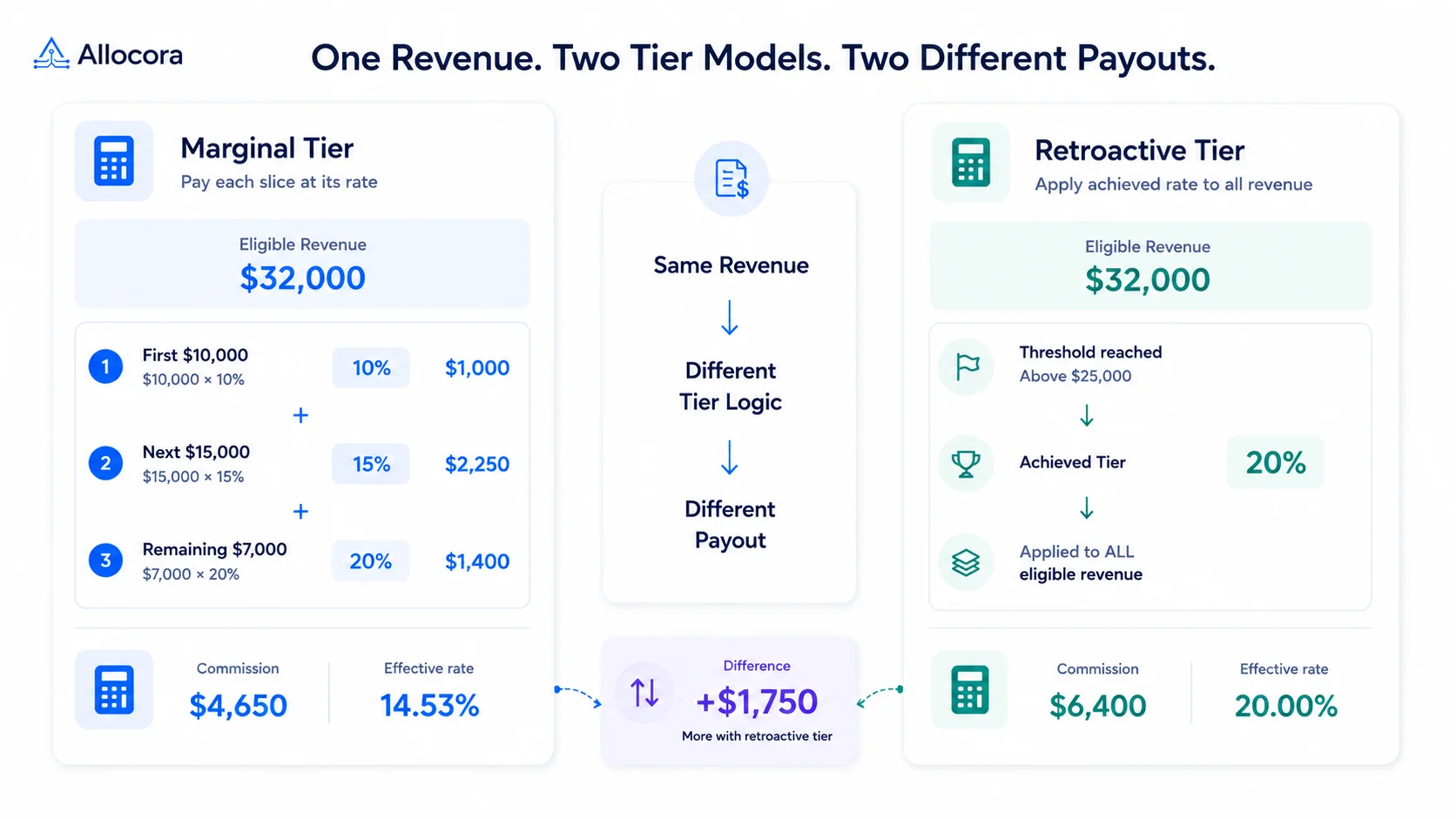 How to Calculate Tiered Affiliate Commissions Without Spreadsheet Errors
A practical guide to tiered affiliate commission math, including marginal tiers, retroactive tiers, refund holds, examples, and review controls.
Jul 16, 2026 - 6 min read
How to Calculate Tiered Affiliate Commissions Without Spreadsheet Errors
A practical guide to tiered affiliate commission math, including marginal tiers, retroactive tiers, refund holds, examples, and review controls.
Jul 16, 2026 - 6 min read
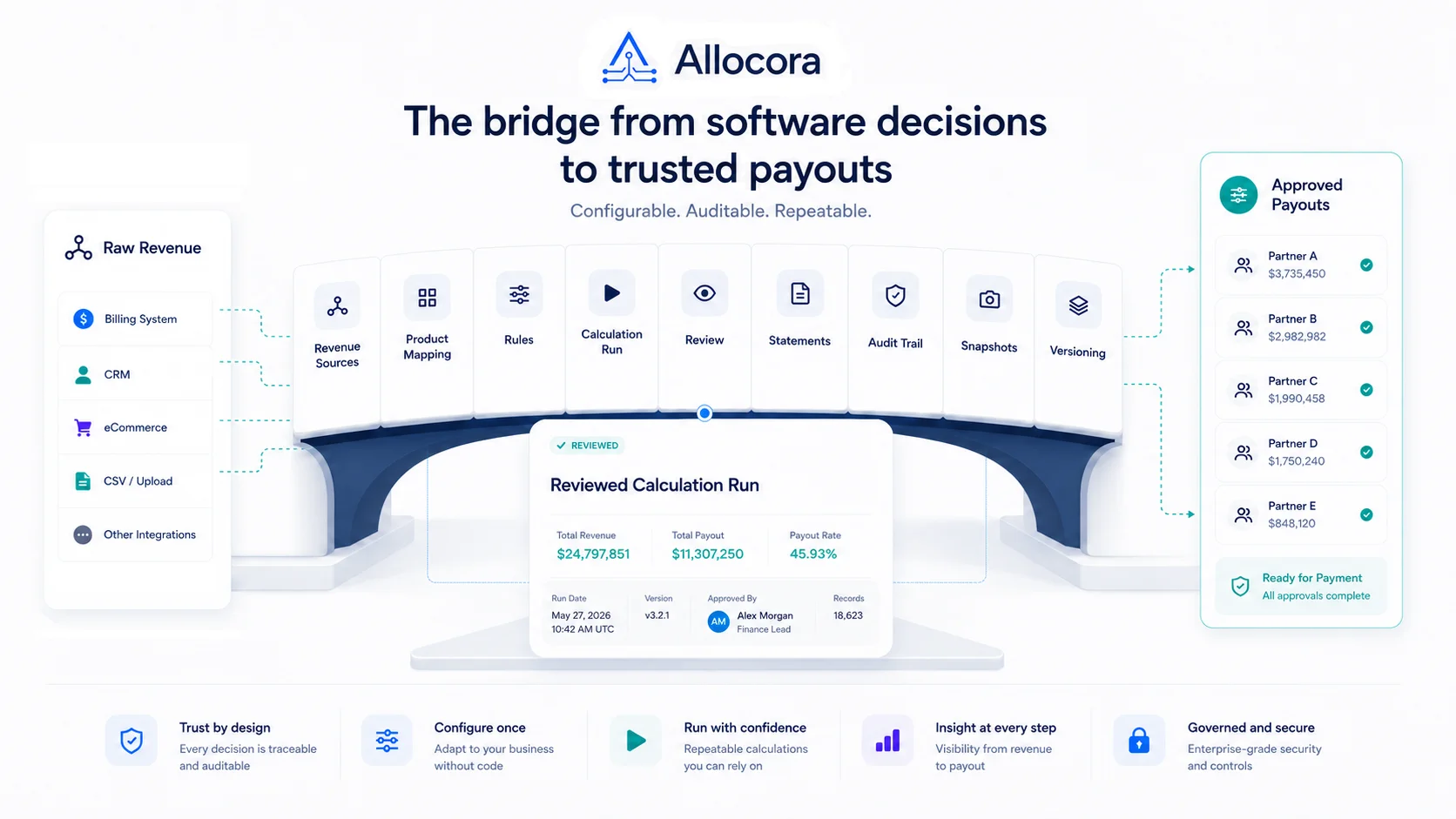 How to Calculate Affiliate Commissions From Stripe Revenue
A practical close guide for teams that use Stripe revenue data and need a reviewable affiliate commission process before payout files are sent.
Jul 14, 2026 - 8 min read
How to Calculate Affiliate Commissions From Stripe Revenue
A practical close guide for teams that use Stripe revenue data and need a reviewable affiliate commission process before payout files are sent.
Jul 14, 2026 - 8 min read